Regulatory Authorities
This section is only for use by the Regulatory Authorities.
The link to the RA administration site is https://fatcacrs-ra.mof.gov.ae
The Financial Institutions will carry out three main types of submissions.
The RAs must log into the Admin system. This is a different URL to the public system.
Each RA will have an Administrator already set up who can set up additional users and assign roles.

Authorisations
The screen will default to Authorisations and Awaiting Authorisation, to show any authorisations that are outstanding.
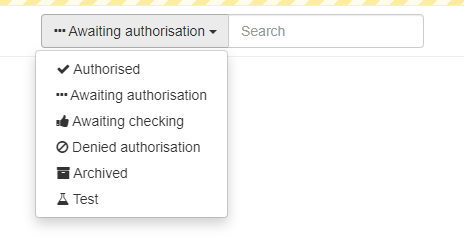
The drop-down menu will allow you to change the filter to display other options.
The Search allows you to search for a Financial Institution or group within that filter.
Clicking on the name of the Financial Institution will open the details in read-only mode.

The uploaded Trade Licence, Regulatory Licence and Other documents may be viewed. Please note they will be downloaded to your computer.
On completion of your RA checks, the Registration can be authorised or denied.

Entities
The Entities menu option allows the user to search for names and GIINs and also FIs that meet a certain criteria.
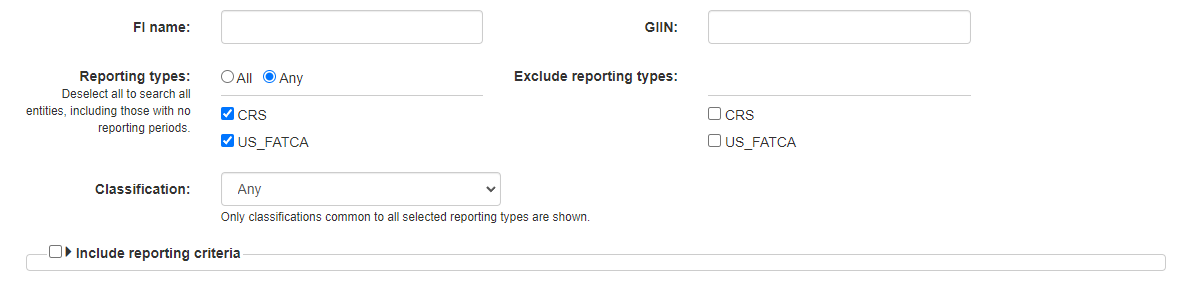
This section also has a powerful criteria section which provides a number of additional options.

Reports
The reports section shows reports which have been successful or failed.
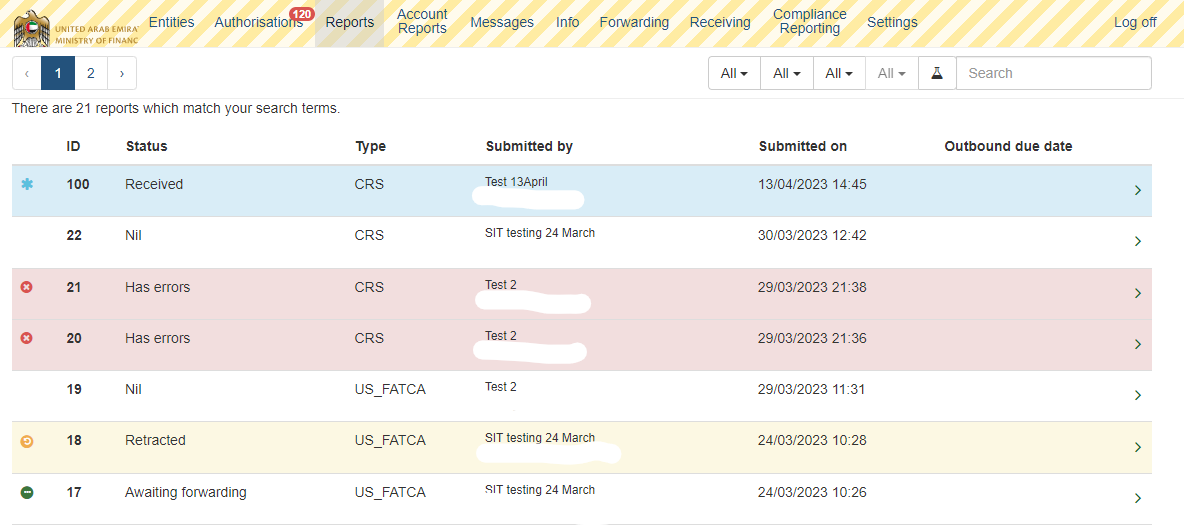
This allows the RA to see any errors in the reports to assist users.
There is no further action required at this stage until the Domestic Reporting deadline, at which time the reports may be authorised for forwarding.
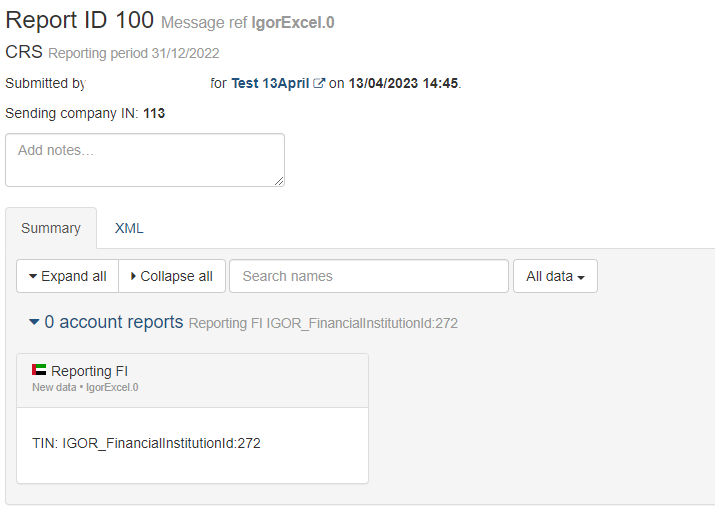
Clicking on a report will show the same errors the user received, or a summary of the account report.
Account Reports
This menu item is for use by the Competent Authority only.
Messages
This is not used at present
Info, Forwarding, Receiving
These menu items are for use by the Competent Authority only.
Compliance Reporting
For future use
Settings
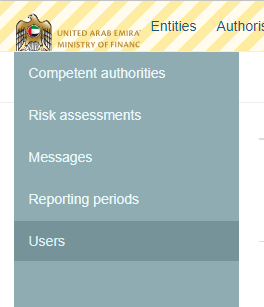
This contains a number of options including Users, where the Administrator will set up and maintain the users within an RA.
For questions and enquiries, kindly contact 800533336 or email info@mof.gov.ae